
Discover Essential Smart Home Devices | Build Your Connected Home
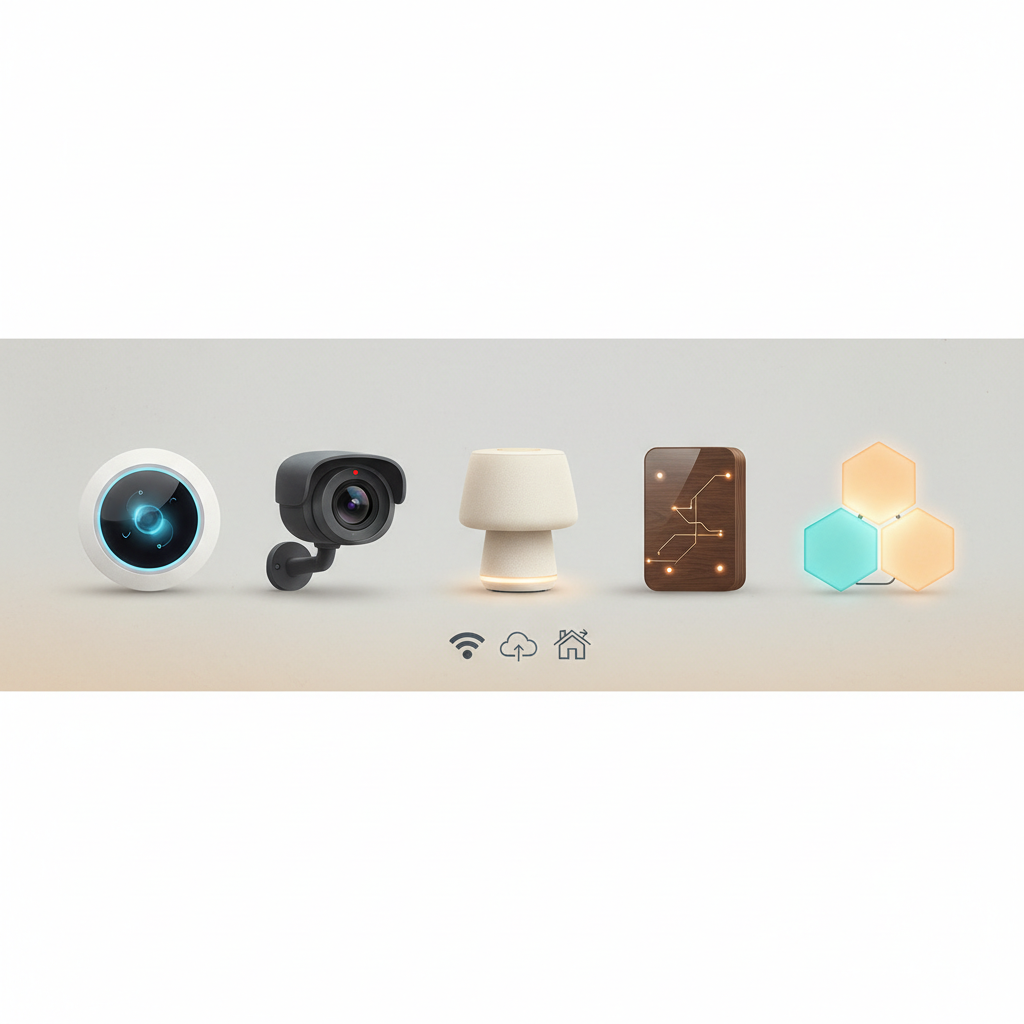
The concept of the “smart home” has evolved significantly since its inception, transforming from futuristic concepts into a tangible reality for millions. At its core, a smart home integrates various connected devices, often referred to as Internet of Things (IoT) solutions, to provide automated control, enhanced convenience, and improved efficiency within a living space. Historically, early smart home attempts in the late 20th century were often rudimentary, relying on complex wiring and proprietary systems. The advent of ubiquitous internet connectivity, miniaturized sensors, and powerful, low-cost microprocessors in the early 21st century, particularly after 2010, democratized smart home technology. By 2026, the market has matured, offering a diverse array of devices that communicate seamlessly, often managed through centralized hubs or artificial intelligence (AI) software, making home automation more accessible and intuitive than ever before. This listicle explores essential smart home gadgets, providing insight into their functionalities and their role in constructing a truly connected home.
1. Smart Speakers and Displays
Smart speakers and displays serve as the central voice and visual interface for many smart home ecosystems. These devices integrate AI-powered virtual assistants, allowing users to control other connected devices, play music, set timers, get news updates, and even make calls using voice commands. The evolution of natural language processing and machine learning has significantly enhanced their capabilities, making interactions more fluid and intuitive. Smart displays further extend this functionality by providing a visual interface for video calls, recipe guidance, security camera feeds, and smart home dashboards. As of 2026, these devices are increasingly incorporating advanced biometric recognition and personalized AI profiles, allowing for more tailored interactions based on individual users.
Practical Methodologies: When integrating smart speakers, consider their compatibility with other devices (e.g., Matter, Thread, Zigbee protocols). Placement is crucial for optimal voice command recognition. For smart displays, consider areas like kitchens or living rooms where visual information is frequently consumed. Step-by-step guidance typically involves downloading an associated app, connecting to Wi-Fi, and linking other smart devices through the app’s interface.
Common Questions: How do I ensure privacy with a smart speaker? Most offer microphone mute buttons and privacy settings within their apps. Can they control all my devices? Compatibility varies, so check specifications. Edge cases include environments with high background noise, which can impede voice command accuracy.
2. Smart Lighting Systems
Smart lighting systems offer far more than simple on/off control. They provide granular control over brightness, color temperature, and even specific color hues, all manageable remotely via an app or voice commands. These systems can be programmed to follow schedules, react to occupancy sensors, or synchronize with entertainment systems. The shift from traditional incandescent bulbs to energy-efficient LEDs has been a key enabler for smart lighting, as LEDs are inherently more adaptable to digital control. In 2026, advancements include dynamic lighting that adjusts based on circadian rhythms, improving well-being, and even localized lighting for task-specific illumination.
Practical Methodologies: Start with a few key rooms or high-traffic areas. Consider whether you prefer smart bulbs (easier to install) or smart switches (control existing fixtures). Frameworks often involve a central hub for larger installations to ensure stable connectivity and extended range. Step-by-step guidance typically involves screwing in bulbs or wiring switches, then pairing them with the system’s app.
Common Questions: Are smart lights energy efficient? Yes, generally more so than traditional bulbs due to LED technology. Do I need a hub? Some systems are hub-free, but hubs often enhance performance and reliability. Edge cases include older wiring systems that may not be compatible with certain smart switches.
3. Smart Thermostats
Smart thermostats revolutionize home climate control by learning user preferences, sensing occupancy, and integrating with local weather forecasts to optimize heating and cooling. This leads to significant energy savings and enhanced comfort. Early models focused on programmable schedules, but modern smart thermostats leverage AI software to predict needs and adjust proactively. By 2026, many smart thermostats seamlessly integrate with utility demand response programs, further reducing energy consumption during peak hours and contributing to grid stability. They also provide detailed energy usage reports, empowering users to make informed decisions.
Practical Methodologies: Installation can be a DIY project for those comfortable with basic wiring, or it can be professionally installed. Ensure compatibility with your existing HVAC system. Frameworks often involve integration with other smart home platforms for holistic climate control, such as linking with smart blinds. Step-by-step guidance involves removing the old thermostat, wiring the new one, and configuring it via an app.
Common Questions: How much energy can I save? Savings vary but can be substantial, often 10-15% on heating/cooling. Do they work with all HVAC systems? Most are broadly compatible, but check specific model requirements. Edge cases include multi-zone HVAC systems that may require multiple smart thermostats or specialized configurations.
4. Smart Security Cameras and Doorbells
Smart security cameras and video doorbells provide peace of mind by offering remote monitoring of your home. Features typically include live video streaming, motion detection alerts, two-way audio, and cloud storage for recorded footage. The integration of AI has significantly improved their functionality, enabling features like facial recognition, package detection, and differentiation between people, animals, and vehicles, reducing false alarms. By 2026, these devices often incorporate edge AI processing, enhancing privacy by analyzing footage locally before sending relevant clips to the cloud, and advanced cybersecurity measures to protect video streams.
Practical Methodologies: For cameras, consider placement for optimal coverage and power source (wired vs. battery). For doorbells, ensure compatibility with your existing doorbell wiring. Frameworks often involve a subscription service for cloud storage and advanced features. Step-by-step guidance includes mounting the device, connecting to Wi-Fi, and configuring detection zones in the app.
Common Questions: Is my footage secure? Reputable brands employ robust encryption. Do I need a subscription? Many offer basic functionality without one, but advanced features often require it. Edge cases include poor Wi-Fi coverage at the installation point or extreme weather conditions impacting battery life or camera performance.
5. Smart Plugs
Smart plugs are among the simplest and most cost-effective ways to introduce smart functionality to traditional appliances. By plugging a device into a smart plug, users can remotely control its power, set schedules, and monitor energy consumption. This transforms “dumb” devices, like lamps, coffee makers, or fans, into smart ones. Their versatility makes them an excellent entry point into home automation. In 2026, smart plugs are increasingly integrating with energy management dashboards, providing real-time consumption data and allowing users to identify and reduce “phantom load” from standby devices.
Practical Methodologies: Identify appliances you’d like to automate or control remotely. Ensure the smart plug’s power rating matches the appliance’s requirements. Frameworks often involve integrating them into existing smart home apps or voice assistant ecosystems. Step-by-step guidance is typically plug-and-play: insert into an outlet, plug in the appliance, and pair with the app.
Common Questions: Are they safe for all appliances? Check the wattage limits. Can I monitor energy usage? Many models offer this feature. Edge cases include appliances with physical on/off switches that need to be left in the “on” position for the smart plug to function effectively.
6. Smart Locks
Smart locks offer keyless entry and enhanced security by allowing users to lock and unlock doors remotely, grant temporary access to guests, and monitor entry and exit activity. They can integrate with other smart home devices, for instance, turning on lights when the door unlocks. The evolution of smart locks has focused on security, with advancements in encryption, tamper alerts, and robust physical construction. By 2026, many smart locks incorporate multiple authentication methods, including fingerprint scanning, NFC, and even facial recognition, alongside traditional keypads and smartphone control, offering layers of security and convenience.
Practical Methodologies: Consider whether you need a full replacement lock or a retrofit that works with your existing deadbolt. Ensure compatibility with your door type and thickness. Frameworks often involve integration with smart home security systems for a comprehensive solution. Step-by-step guidance usually involves removing the old lock and installing the smart lock components, followed by app configuration.
Common Questions: How secure are they from hacking? Reputable brands use advanced encryption. What if the battery dies? Most have backup power options or physical key access. Edge cases include doors that are not perfectly aligned, which can prevent the smart lock from engaging properly.
7. Robotic Vacuums and Mops
Robotic vacuums and mops automate floor cleaning, saving time and effort. Modern versions feature advanced navigation, obstacle avoidance, and mapping capabilities, allowing them to clean efficiently and methodically. Many can be scheduled, controlled remotely, and even integrate with voice assistants. The integration of AI software has led to more intelligent cleaning paths, automatic dirt detection, and the ability to distinguish between different floor types. By 2026, these devices often feature self-emptying dustbins, automatic refilling of water tanks for mops, and sophisticated multi-floor mapping, significantly reducing manual intervention.
Practical Methodologies: Consider your home layout and floor types. Models with lidar or camera-based navigation are generally more effective for complex spaces. Frameworks often involve setting up “no-go zones” or virtual walls within the app. Step-by-step guidance includes charging the device, connecting to Wi-Fi, and mapping your home through the app.
Common Questions: Do they get stuck often? Modern models are much better at avoiding obstacles. Can they clean pet hair? Many are designed specifically for pet hair. Edge cases include very thick carpets that some models struggle with, or excessive clutter that impedes navigation.
FAQ
Q5: How do I choose the right smart home ecosystem (e.g., Google Home, Amazon Alexa, Apple HomeKit)?
A: Choosing an ecosystem depends on your existing tech preferences, desired functionalities, and privacy concerns. Consider which virtual assistant you prefer, the range of compatible devices each ecosystem supports, and their integration capabilities. It’s often beneficial to start with a few devices within one ecosystem to test its suitability before making a larger investment. Many devices now support multiple ecosystems, offering greater flexibility. The critical factor is often the central AI software that orchestrates your devices.
Q4: Do I need a central hub for all my smart home devices?
A: Not always, but it often depends on the devices and your desired level of automation. Many newer devices can connect directly to your Wi-Fi network or use protocols like Bluetooth. However, a central hub (like a smart speaker with a built-in hub or a dedicated smart home hub) can provide several benefits: creating a more robust and reliable network for devices using Zigbee or Z-Wave, enabling complex automation routines, and simplifying management through a single interface. The Matter protocol, gaining widespread adoption by 2026, aims to further reduce the need for specific hubs by providing universal compatibility.
Q3: Are smart home devices secure from cyber threats?
A: The security of smart home devices is a critical concern. Reputable manufacturers implement various cybersecurity measures, including encryption for data transmission, secure boot processes, and regular firmware updates to patch vulnerabilities. However, users also play a role by using strong, unique passwords, enabling multi-factor authentication, and keeping device software updated. As of 2026, industry standards and regulations are continually evolving to enhance the baseline security of these devices.
Q2: What is “home IoT solutions” and how does it relate to smart home gadgets?
A: “Home IoT solutions” refers to the broader ecosystem of physical devices embedded with sensors, software, and other technologies for the purpose of connecting and exchanging data over the internet, specifically within a residential setting. Smart home gadgets are specific examples of these IoT solutions, designed to enhance convenience, security, and efficiency in the home by leveraging this connectivity.
Q1: What is the difference between a “connected home” and a “smart home”?
A: A “connected home” generally refers to a home where devices are networked and can communicate with each other and the internet. A “smart home” takes this a step further by incorporating automation, intelligence, and often AI software to make decisions and perform actions autonomously based on user preferences, schedules, or environmental data, providing a more integrated and proactive experience.